How to Run a 24/7 Unstaffed Gym: Access Rules, Hardware and Software
An owner's guide to running a 24/7 or partly unstaffed gym: which hours to staff, how to onboard members for night access, which access rules the software must enforce, what the door hardware does, and a launch checklist.
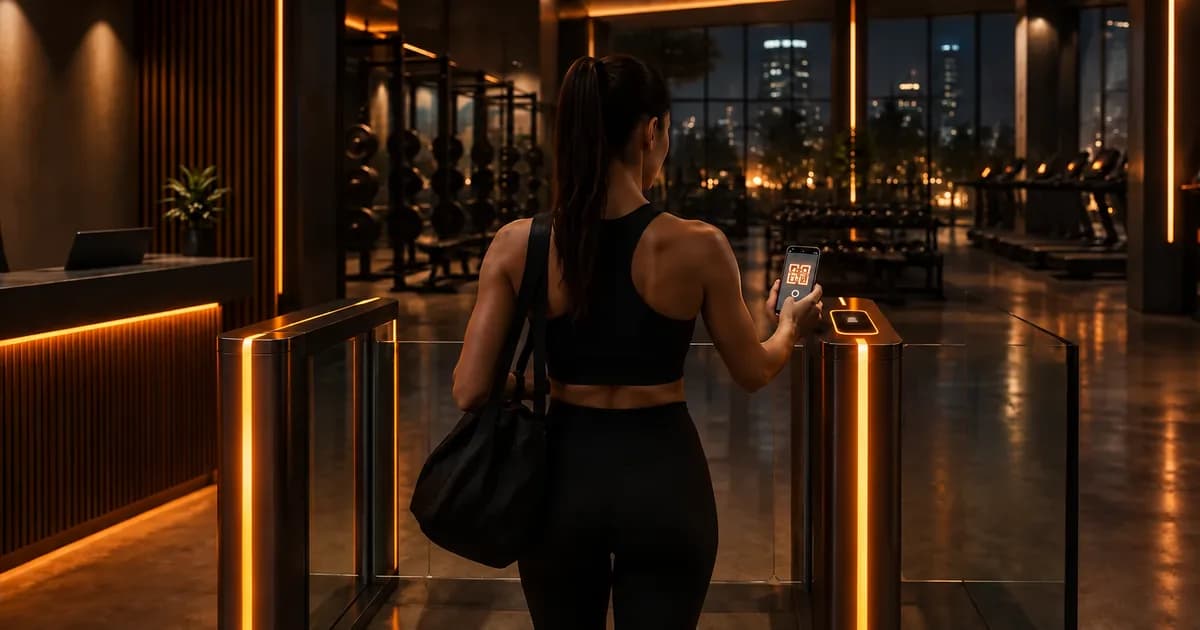
What does it take to run a 24/7 unstaffed gym?
A 24/7 unstaffed gym runs on three layers: software that decides who may enter and when, door hardware that obeys that decision, and operating rules for the hours when nobody is on site. The software is the easy part to buy.
The hard part is operations: who gets night access, what happens when a phone dies at 2 a.m., and what your insurer expects. For a comparison of check-in methods such as QR, fobs and kiosks, see our guide to gym check-in and access control software.
Staffed, hybrid or fully unstaffed: pick your hours model
Decide first which hours have a person on site, because that shapes onboarding, sales, cleaning and safety. Many "24/7" gyms are hybrid: staffed at peak, unstaffed at night.
| Model | How it works | Best for |
|---|---|---|
| Staffed hours only | Reception open whenever the gym is open | Class-led and PT-heavy gyms |
| Hybrid | Staff at peak, approved members enter alone at night and early morning | Independent gyms with an open equipment floor |
| Fully unstaffed | No regular desk, staff come in for tours, cleaning and repairs | Small equipment-only gyms |
The model fits gyms where members come on their own schedule to an open-access floor. Class studios rarely need it, as explained in gym vs studio management software. Still planning? Build the hours model into your plan with how to open a gym.
Onboard members during staffed hours
Nobody should get night access on day one. Grant unstaffed hours only after an induction held while staff are on site, with house rules in writing.
- Building - emergency exits, first aid kit, posted emergency details.
- Training alone - safety arms on racks, no maximal lifts without them.
- Entry - how to scan the member card and what to do if the phone is dead.
- House rules - no guests, never hold the door for anyone, emergencies go to the emergency number first.
Typical conditions for unstaffed access: adults only (check local rules), induction done, membership paid up. In software this is simple: sell a staffed-hours package and a 24/7 package, and move a member to the 24/7 one after induction. Our guide to gym membership management software shows how packages and renewals fit together.
Access rules the software must enforce
At an unstaffed door the software is your receptionist, so every rule you would apply at a desk must run on every scan.
- Access hours per package. A daytime package opens the door from 06:00 to 16:00, a full package around the clock.
- Daily and monthly entry limits. A daily limit stops one card being passed around the car park; a monthly limit fits visit packs.
- Automatic stop for expired or inactive members. The door says no, so nobody argues at 23:00.
- A dead-phone fallback, decided before it happens.
In Trainera every member has a QR member card on their phone, plus a member number for when the battery is dead. Expired memberships, access hours and entry limits are checked on every scan, and each package carries its own access hours and entry limits. The member number solves a dead phone at a staffed desk. For unstaffed hours, agree with your installer how a member without a working phone gets in, or whether they wait for staffed hours, and put it in the house rules. The scan itself is covered in gym QR check-in.
The hardware layer: what connects and what does not
The software decides and the hardware enforces. A turnstile, barrier or scanner at the entrance asks the gym software whether a member may enter; door locks, cameras, alarms and emergency systems come from access-control or security vendors.
Trainera provides the software rules and the check-in API, not the hardware. It does not sell or install turnstiles, locks, cameras or alarms. On both plans you can connect a turnstile to the check-in API, and Core connects up to 10 turnstiles, barriers or scanners.
Ask your hardware vendor what happens during an internet or power outage, whether exits always open from the inside, and how the device limits tailgating. Check-in software cannot see tailgating: one valid scan, two people walk in. Full-height turnstiles and cameras reduce it; clear rules do the rest.
Safety, insurance and local rules
Unstaffed hours change your risk profile, so talk to your insurer, landlord and local authority before the first unstaffed night. Rules differ by country, municipality and insurer, and this is not legal advice.
- Insurer - is unstaffed training covered, and on what conditions?
- Local authority and landlord - are night hours allowed at your address and in your lease?
- Fire safety - exits, emergency lighting and signage checked locally.
- Privacy - camera signage and retention, check-in logs treated as personal data.
- Emergencies - phone signal on the floor, first aid kit, and often a defibrillator.
Monitoring and communication when nobody is at the desk
You still need eyes on the gym and a direct line to members. The software shows who came in and reaches everyone; cameras and alarms cover the rest.
- Live check-in feed - see who walked in, as it happens. It shows check-ins, not a headcount.
- Push broadcasts - "Rack 2 is out of order" or "Deep clean Sunday night, gym closed".
- Payment status - who is due and which memberships expire in the next 14 days.
- Staff logins - cleaners and trainers see only the pages you allow, see gym staff management software.
Where Trainera fits, and where it does not
Trainera is gym management software with the door rules built in; you bring the hardware and security.
Core costs $149 a month in the United States, with prices fixed per country, unlimited members, no per-member fees, no setup fee and a 7-day trial. White Label adds your own branded iOS and Android app and is arranged on a call. Moving is free: the team imports members, packages and expiry dates from your export. See Trainera for gyms and pricing.
It is not the right fit if you want one vendor for software, locks, cameras and alarms. And the member credential in Trainera is the QR card on the phone, so if you want fobs or keycards at the door, plan that layer with an access-control vendor.
Launch checklist for a 24/7 or partly unstaffed gym
Settle every row before the first unstaffed night, then soft-launch with a small group of inducted members.
| Step | What to settle | Who provides it |
|---|---|---|
| Hours model | Staffed and unstaffed hours in writing | You |
| Packages | Access hours and entry limits per package | Gym software |
| Induction | Staffed-hours induction, signed house rules | You and staff |
| Entry device | Turnstile, barrier or scanner on the check-in API | Hardware vendor |
| Locks, cameras, alarm | Installed, tested, monitored | Security vendor |
| Dead-phone rule | Member number at the desk, rule for night hours | You |
| Insurance, permits | Unstaffed hours confirmed in writing | Insurer, authority, landlord |
| Payments | Expired members stopped automatically | Gym software |
Planning 24/7 access? See how Trainera handles packages, QR check-in and turnstile rules on the gym management software page, or start the 7-day Core trial.
Related reading
Frequently Asked Questions
How do unstaffed gyms work?
Are unstaffed gyms safe?
What software does a 24-hour gym need?
Can members check in without a receptionist?
Does Trainera supply turnstiles, door locks or cameras?
Do I need permission to run a gym without staff?
Keep Reading
Run your coaching business on Trainera
Your own branded coaching app - clients, plans and payments in one place
Free up to 3 clients, no card. Web, iOS and Android under your brand - and we move your existing clients and plans across for free.
1000+ clients coached on Trainera